
SEO Title: Multilingual Website Development: 7 Decisions Before You Build
A B2B software company is receiving promising inquiries from Germany and Austria. Its marketing director asks three agencies for a multilingual website proposal.
One recommends extending the existing CMS. Another suggests rebuilding the website with a headless architecture. The third offers a lower price for adding German.
Each proposal takes a different approach, but the company has yet to define what the website needs to achieve.
Which services will be offered in each market? Will regional teams manage their own content? What happens when a German-speaking prospect submits an inquiry?
Before comparing platforms and development costs, you need a clear understanding of your markets, content, technical requirements, and how the website will be managed.
These seven decisions will help you define the project, compare agency proposals, and build a website that supports your business as it grows.
1. Prioritize markets before counting languages

“Add German” may sound like a clear requirement. It is not quite enough.
Does the company need one website experience for German-speaking customers, or different information for Germany and Austria? Are the same services available in both countries? Who will respond to inquiries?
Two markets can share a language while having different buying processes, customer expectations, and sales requirements.
A shared German-language website may be sufficient at first. Some pages, however, might need country-specific information or different contact options.
The decision should follow your business strategy and customer needs, rather than the number of languages your CMS can support.
For a company launching its first international website, the priority is defining which markets and services belong in the initial release.
For a company expanding an existing website, there is another question: can the current structure support new markets without making content and sales operations harder to manage?
You might choose to localize three main service pages, selected case studies, your company information, and the contact journey first. Translating years of blog content may be less urgent.
Before asking agencies for estimates, document your target markets, languages, relevant services, essential pages, and the sales team responsible for each market.
This gives everyone a clearer project to discuss.
2. Decide what needs localization beyond translation
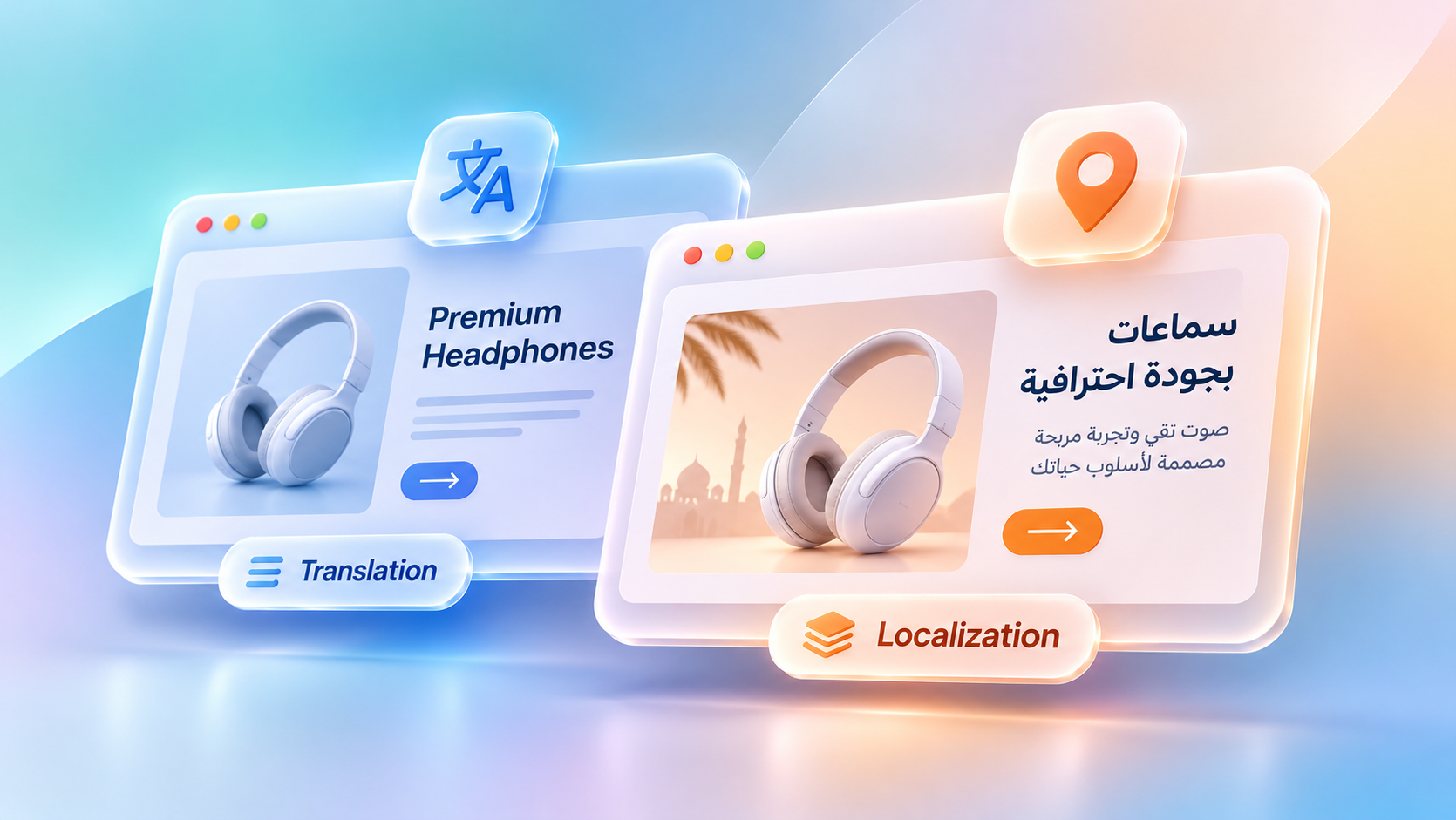
Imagine your English service page opens with the logos of several well-known domestic customers.
The German translation may be accurate, but those names might mean little to someone evaluating your company for the first time.
That prospective buyer may be more interested in your delivery process, relevant industry experience, or how you support international clients.
This is where localization matters.
Translation communicates the meaning of content in another language. Localization adapts the content and experience to what people in a particular market need and expect.
On a B2B website, this can affect service descriptions, case studies, calls to action, forms, industry terminology, and supporting information.
Not every page needs a complete rewrite.
A technical specification might only require translation and specialist review. A contact page may need different fields, regional sales details, or a different inquiry process.
Before development, group your pages into four categories:
- Translate and review.
- Adapt or rewrite for the market.
- Create new, market-specific content.
- Leave out of the initial release.
This makes content requirements easier to estimate.
A website with eighty existing pages does not necessarily need eighty translated pages for every new market. The work depends on what those pages contain and how much adaptation they require.
3. Plan international URLs and SEO before development
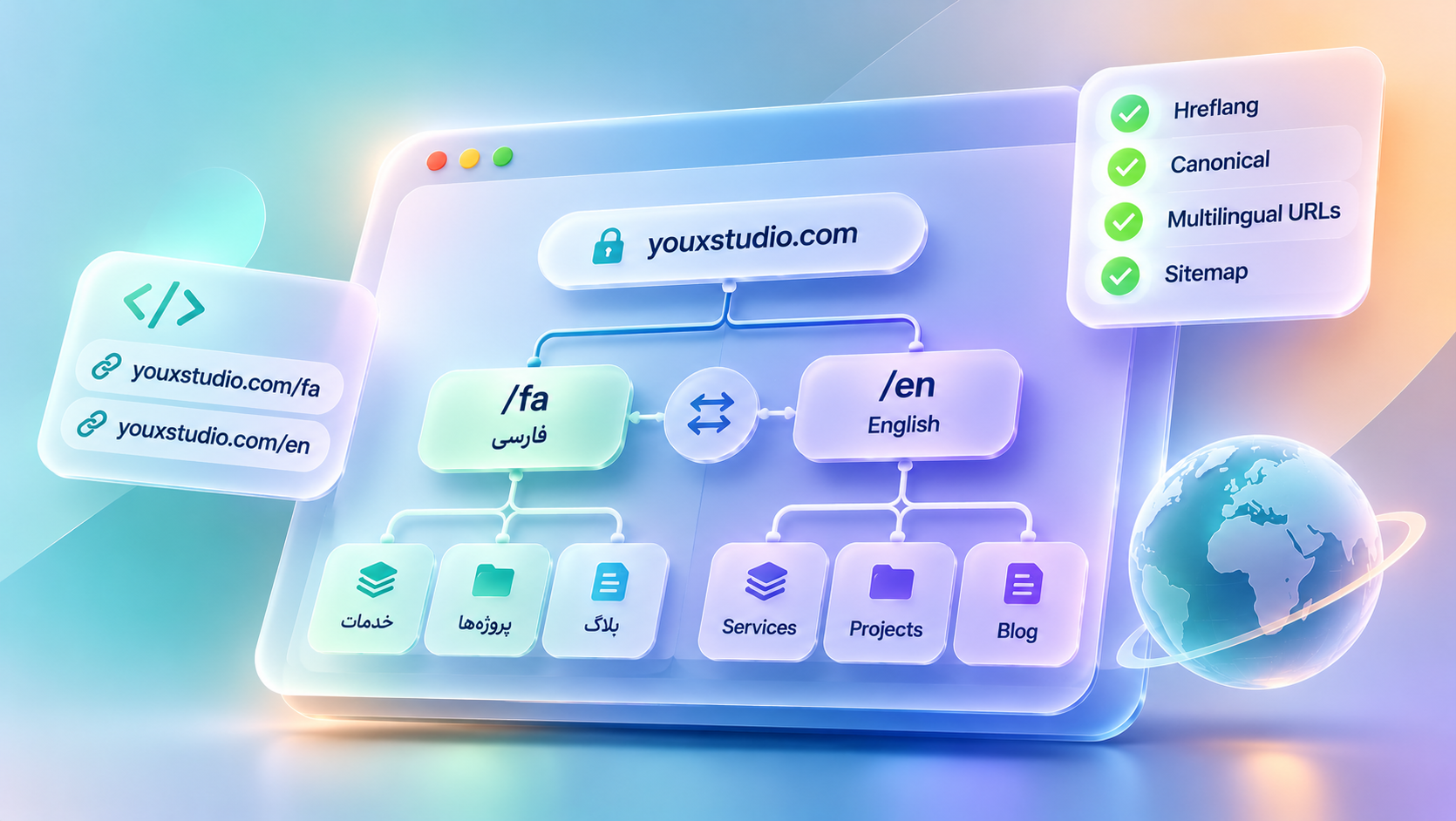
Your website’s URL structure affects how localized pages are organized, discovered, and maintained.
One option is to use language-specific directories:
example.com/en/example.com/de/example.com/fr/
Subdomains and separate domains can also work. The right choice depends on your business structure, technical environment, and expansion plans.
Google recommends using separate URLs for different language versions. It also provides guidance on hreflang, which helps search engines understand relationships between corresponding localized pages.
These configurations matter, but they do not guarantee search rankings or replace relevant local content.
Keep the visitor’s journey intact
Suppose someone is reading your English service page and selects German.
If a German version exists, they should be able to reach that service page instead of unexpectedly returning to the homepage.
What happens if that page has not been translated yet?
Your team should agree on a clear alternative, rather than leaving the behavior to a plugin’s default settings.
Visitors should also be able to choose their language without being forced into one version solely because of their location or browser settings.
Your development requirements should cover URL patterns, language switching, relevant hreflang and canonical rules, page indexability, and untranslated content.
Accessibility also matters, especially when supporting languages with different writing directions. These considerations are an important part of website design and should be addressed early in the design process.
If adding languages means changing existing URLs, you will also need to plan for redirects and the effect on current search traffic.
Our related article, Website Redesign Without SEO Loss: A Launch Checklist for Businesses, examines these risks in more detail.
Adding a language does not necessarily require rebuilding the entire website.
4. Choose a CMS that fits how your team works
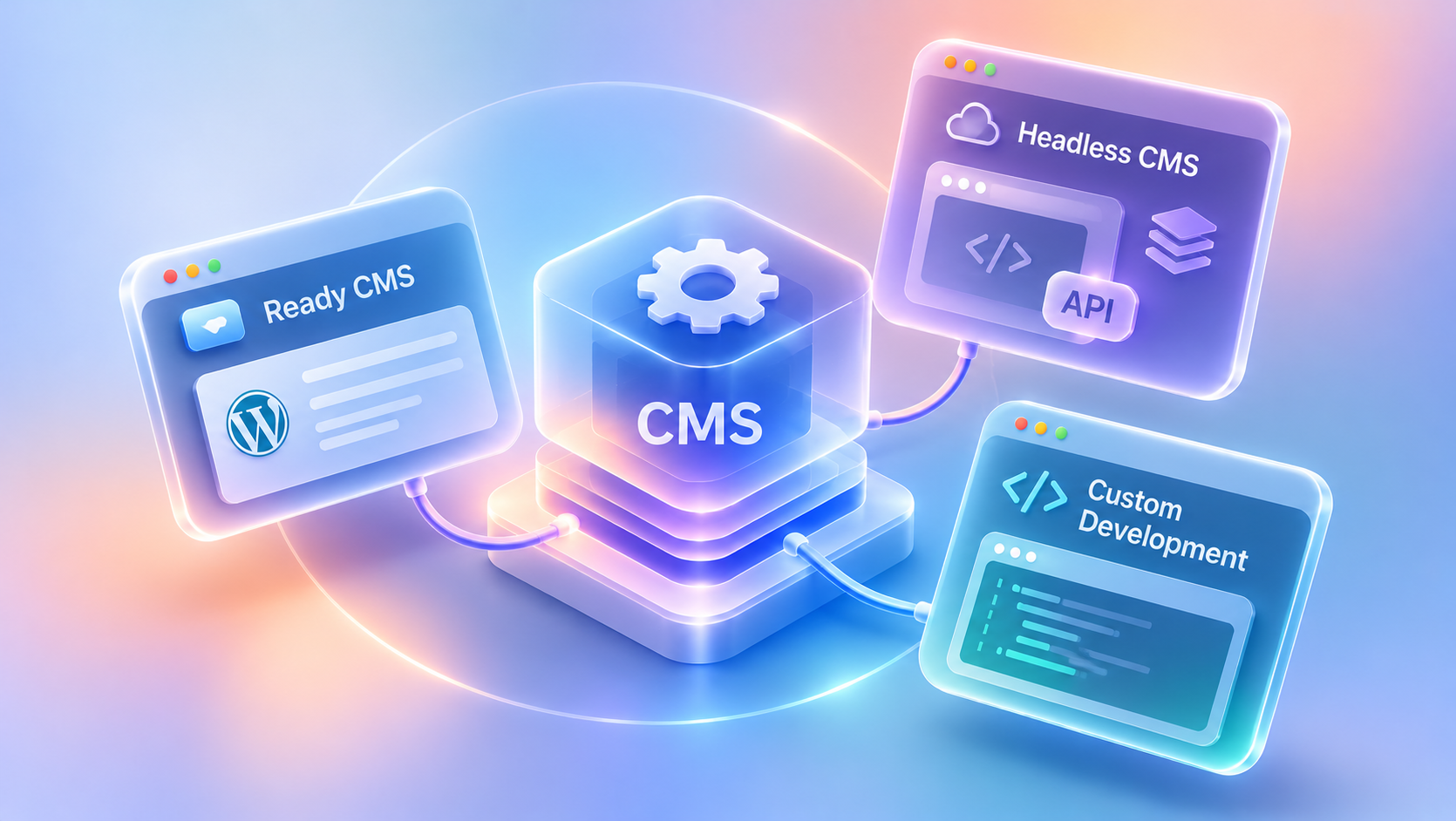
Technology discussions often start with familiar questions.
Should you use WordPress? Would a headless CMS be better? Is custom development worth the investment?
Before choosing, consider how people will actually manage the website.
Will regional editors publish pages independently? Does certain content require legal or product approval? Should the same information appear on the website, help center, and application? Can marketing teams create new pages without developer support?
These answers help determine which approach makes sense.
Two companies with different requirements
Company A is a consulting firm with around thirty main pages, two languages, and a small marketing team.
Its content mostly consists of service pages and articles. It has no complex integrations or regional publishing requirements.
A traditional CMS with suitable multilingual features could be a practical choice. The marketing team can manage most updates without depending heavily on developers.
Company B is a software provider operating in five markets.
Regional teams manage their content, while product information needs to remain consistent across the website, help center, and application.
A headless CMS could be a better fit here. It separates content management from presentation and makes it easier to use shared content across different digital channels.
Comparing development approaches
| Decision factor | Traditional CMS | Headless CMS | Custom development | Extend existing website |
|---|---|---|---|---|
| Editorial independence | Often supported through built-in tools or extensions | Depends on the configured workflows | Designed around requirements | Depends on existing capabilities |
| Regional publishing | Requires reviewing multilingual features | Flexible content structures | Can support specialized processes | Limited by current architecture |
| Integrations | Supported within platform constraints | Flexible API-based integrations | Built around specific requirements | Requires compatibility checks |
| Maintenance | Platform and plugin updates | Multiple systems and integrations | Custom code and ongoing development | Existing technical constraints |
No single approach is right for every organization.
Ask agencies to compare at least two reasonable options. Their proposals should explain implementation costs, maintenance needs, limitations, and how future changes would be handled.
These decisions shape the approach to website development and influence its long-term cost and flexibility. Comparing solutions against your business requirements is more useful than choosing a platform simply because it is popular or technically impressive.
5. Define who owns localized content after launch
Six months after launch, the software company stops offering a service in Germany.
The English page is updated, but the German version still promotes the service and continues to collect inquiries.
The website works technically. Its content is out of date.
This is why content governance needs attention before development.
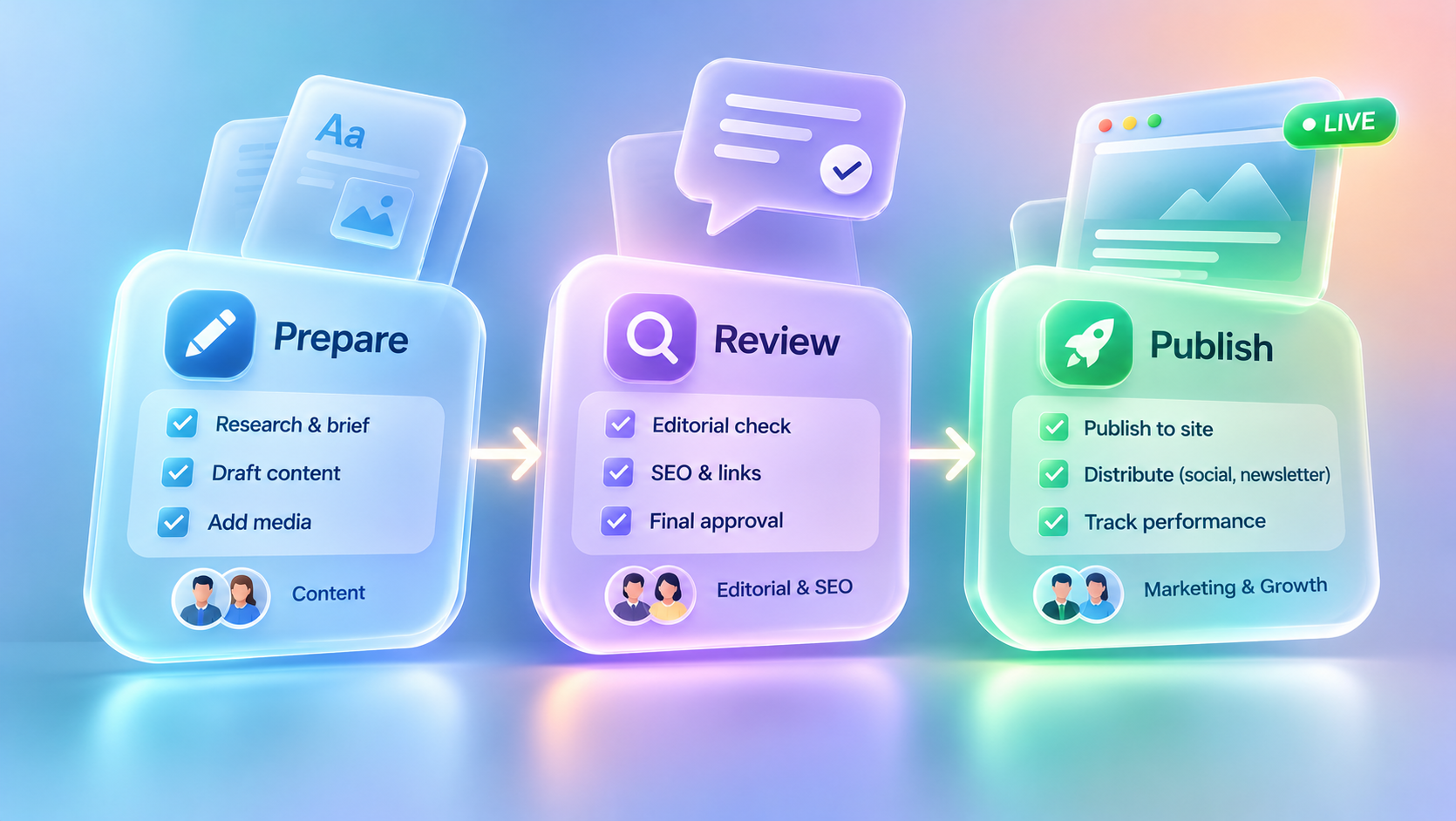
Someone must identify the change, update affected pages, review translations, and confirm publication.
A simple process might look like this:
The service owner reports a change. The content manager identifies affected language versions. Regional reviewers approve the updates, and the publishing team checks that the correct pages are live.
In a small organization, one person may handle several roles. What matters is knowing who is responsible.
You should also decide whether language versions can be published independently and how the team handles missing or outdated translations.
These decisions influence CMS permissions, publishing workflows, and maintenance costs.
The initial website launch is only one part of the investment. Keeping every language accurate requires ongoing work.
6. Separate essential integrations from future requirements
“Scalable architecture” sounds reassuring in a proposal. But what does it mean for your website?
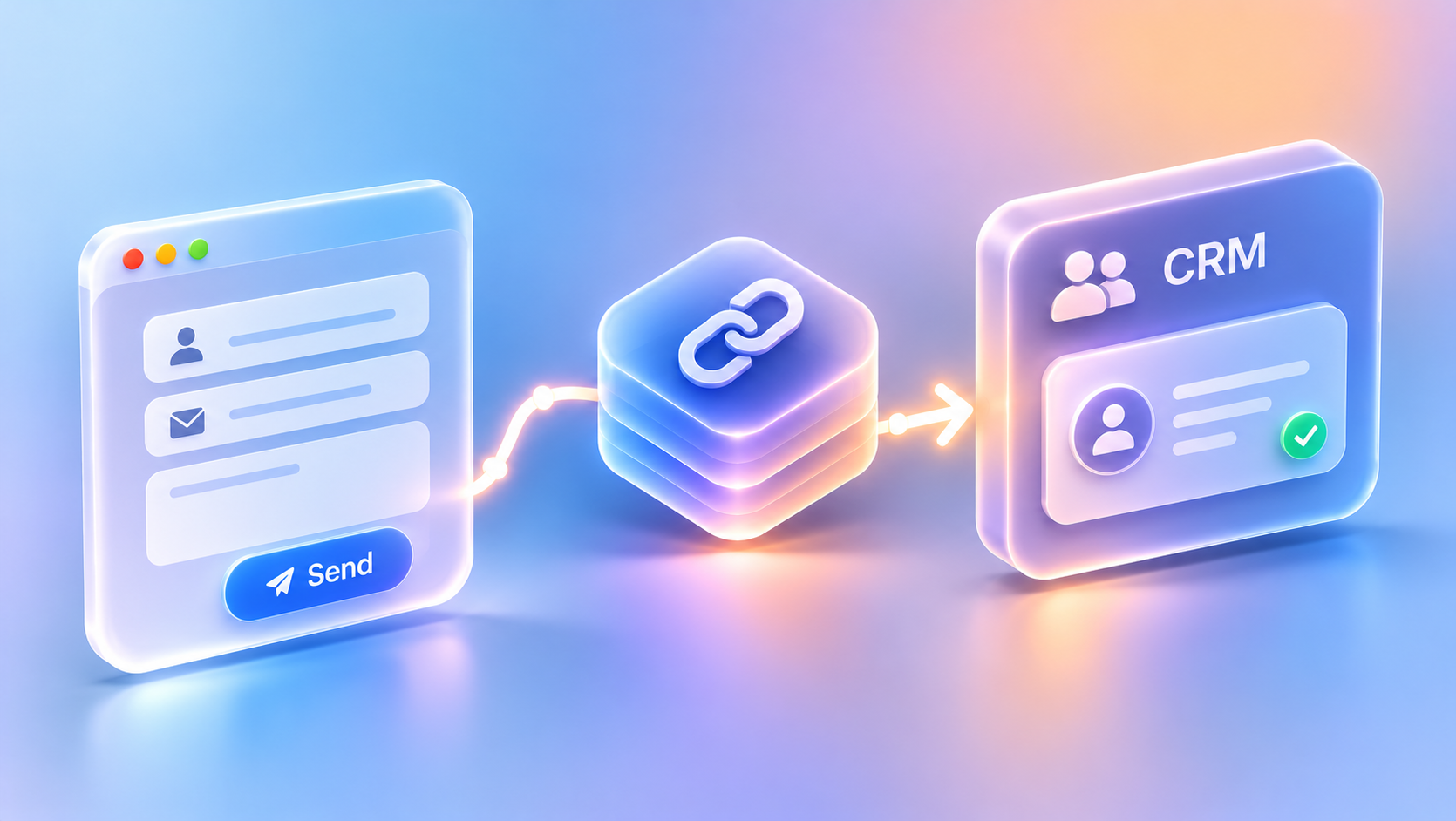
For our software company, a priority might be ensuring that inquiries from German service pages reach the European sales team through the CRM.
The submitted data should include the relevant service and language information.
What happens if the CRM is unavailable? Does the visitor receive a clear error message? Can the team recover a failed submission?
These are specific requirements that can be tested.
A complex dashboard for managing ten markets, on the other hand, may not be necessary when the company is only entering two.
Group your requirements into three categories: essential for launch, planned for later, and possible future needs.
Performance, accessibility, responsive layouts, security, and important integrations should be included in the initial quality requirements.
For each essential feature, agree on how it will be tested.
Instead of accepting “fast on every device,” define the representative pages, testing conditions, and performance indicators you will use. Core Web Vitals can form part of that assessment.
The goal is not to build every feature you might need one day. It is to create a sound foundation for the next stages of growth.
7. Compare agency proposals using clear deliverables
Let’s return to the three agency proposals from the beginning.
One might include content migration. Another might expect the client to provide finished translations. A third could charge separately for international SEO configuration, CMS training, or post-launch support.
The difference in price may reflect differences in scope.
To compare proposals properly, give each agency the same set of requirements.
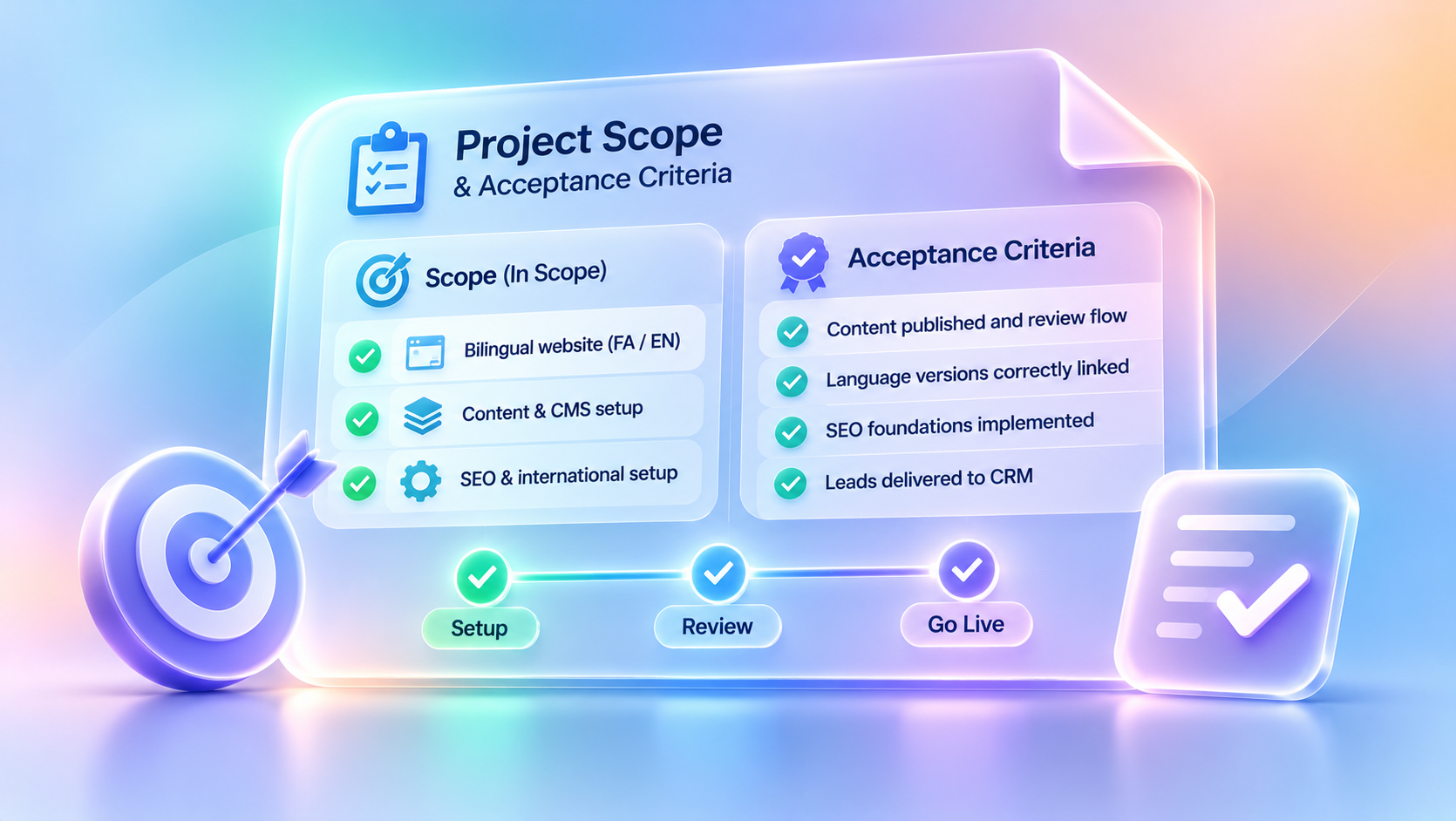
Include languages, page types, content responsibilities, CMS capabilities, integrations, testing, handover, and maintenance.
Turn features into acceptance criteria
“Multilingual navigation” describes a feature, but does not explain how it should work.
A clearer requirement would be:
“Visitors should be able to switch from an English service page to its German equivalent. If the equivalent page is unavailable, the website should follow the agreed fallback behavior.”
The same applies to CRM integrations.
Instead of simply requesting “CRM integration,” define which data should be transferred, how successful submissions are confirmed, and how errors are handled.
Clear acceptance criteria help agencies estimate the same work and give both parties a better basis for reviewing delivery.
A one-page multilingual website project brief
| Area | Question to answer |
|---|---|
| Business objective | What customer actions or qualified inquiries should the website support? |
| Target markets | Which countries and languages are included in the first release? |
| Current website | Are you extending an existing platform or building a new one? |
| Content | Which pages need translation, adaptation, or new content? |
| Ownership | Who reviews, approves, and publishes each language? |
| Integrations | What should forms, CRM, and other systems do? |
| Constraints | What are the budget, timing, and dependencies? |
| Acceptance criteria | Which features and user journeys must pass testing? |
| Maintenance | Who will manage updates and support after launch? |
This brief does not replace a full discovery process. It gives you and your potential development partners a shared starting point.
It also makes it easier to identify what still needs clarification before agreeing on the final scope.
A better multilingual website starts with clearer decisions
A multilingual website should help customers in different markets understand your business, evaluate your services, and get in touch. It should also remain manageable for the people responsible for keeping its content accurate.
Making these seven decisions before development helps you compare proposals more confidently and understand what each agency is actually offering. You do not need to resolve every technical detail yourself. You need a clear picture of your business goals, priorities, and expectations.
If you’re planning a multilingual website, the one-page brief in this article is a useful starting point. You can also explore youx Studio’s website development services to see how those requirements can take shape as a development project.