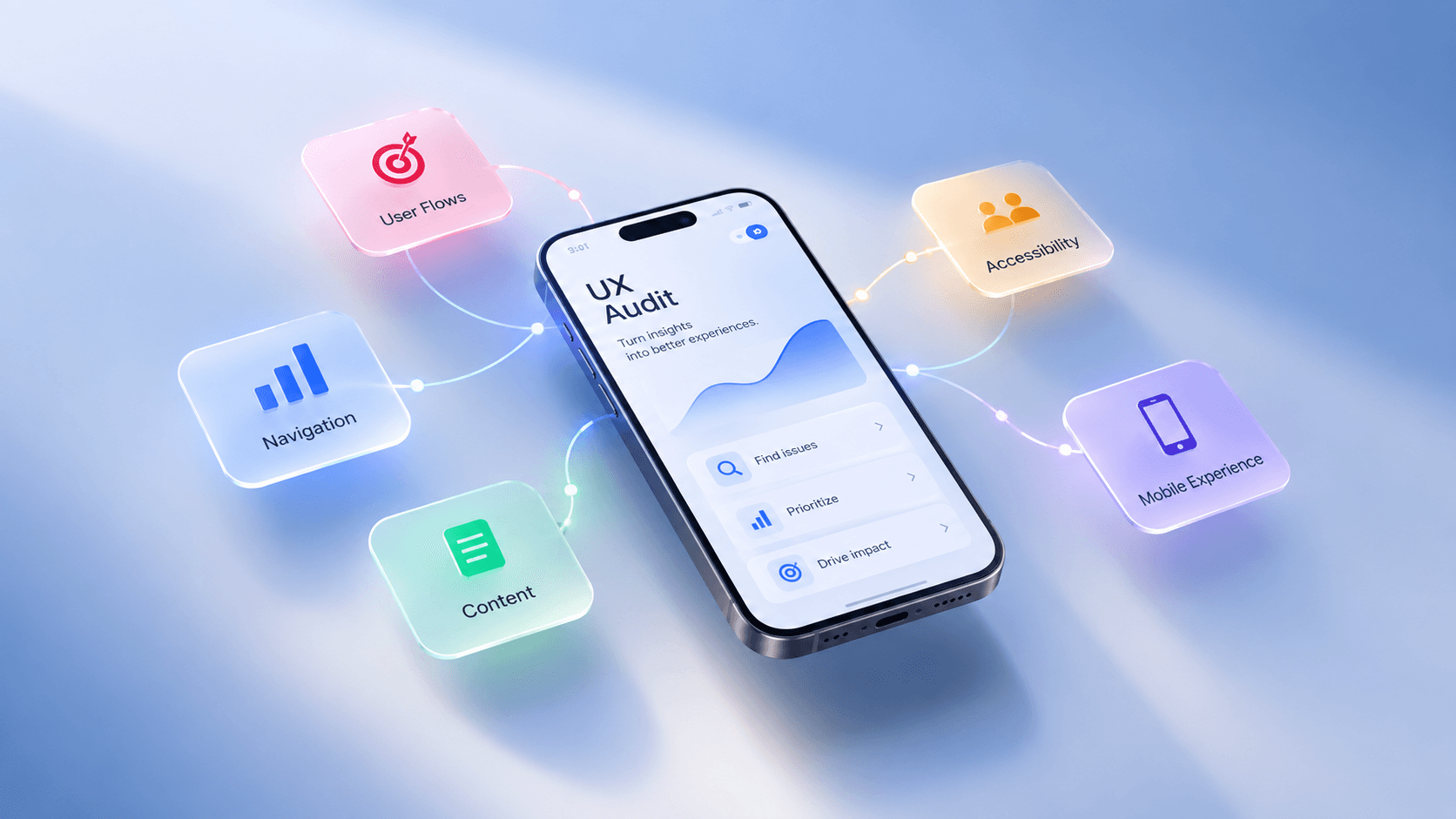
A UX audit helps identify usability issues, friction points, and opportunities for improvement in digital products. This article explores the audit process, evaluation methods, problem prioritization, and what to do after an audit.
A digital product can look polished and still be difficult to use.
Users may struggle to find information, misunderstand an action, abandon an important flow, or lose confidence before completing a task. These problems are often difficult to see from the interface alone because the real friction can come from the relationship between screens, content, navigation, system feedback, and the user’s goal.
A UX audit provides a structured way to uncover those problems.
Rather than asking whether a product “looks good,” a user experience audit examines how well the experience works, where users may encounter friction, and which improvements deserve attention first. Depending on the product, an audit can combine expert evaluation, heuristic evaluation, analytics, accessibility checks, competitive benchmarks, and existing user research.
The goal is not to produce the longest possible list of issues. It is to understand the problems that matter and turn them into useful product decisions.
What Is a UX Audit?
A user experience audit is a structured evaluation of a digital product’s user interface and overall experience. A UX audit reviews your platform’s design and user flows to identify usability issues, bottlenecks, and areas for improvement.
A typical audit can examine navigation, information architecture, content, interaction patterns, forms, error handling, accessibility, responsive behavior, and critical user journeys.
One of the most established methods used in an audit is heuristic evaluation. In this approach, evaluators independently inspect an interface and assess it against recognized usability principles. Nielsen’s 10 usability heuristics include principles such as visibility of system status, consistency, error prevention, recognition rather than recall, and user control.
A broader website UX audit can go beyond heuristics. It can look at the complete experience and combine different types of evidence to understand where friction occurs and why.
That distinction is important. A single screen can appear perfectly clear while the full journey remains confusing. A form can be visually simple but ask for unnecessary information. A navigation system can be consistent but still make important content difficult to find.
A good audit looks at the experience as a connected system.
When Does a Digital Product Need a UX Audit?
A product does not need to be visibly broken before it needs an audit.
Sometimes the signals are quantitative: lower conversion, increasing drop-off, weak engagement, or users getting stuck at a particular stage. Analytics tools can help reveal these patterns. For example, Google Analytics can track events such as clicks, purchases, and other interactions, while Path Exploration can reveal common user paths and potential loops or points where users become stuck.
Other signals are qualitative.
Support teams may repeatedly receive the same questions. Users may misunderstand an important feature. Different areas of the product may behave differently because they were designed by different teams at different times.
A UX audit can also be valuable before a redesign. Instead of replacing the existing experience based on assumptions, an audit helps the team understand what should be improved, what should be preserved, and where further research is needed.
For companies considering UX audit services, the important question is therefore not simply whether the product has problems. Every product has opportunities for improvement.
The better question is:
Which problems are creating the most friction, and where should we start?
What Does a UX Audit Evaluate?
The scope of an audit depends on the product and its goals, but a comprehensive review usually considers several connected areas.
Navigation and Information Architecture
Users need to understand where they are, what they can do, and where to go next.
A UX review may examine navigation labels, hierarchy, page relationships, categorization, search, and the discoverability of important information.
The goal is not simply to make navigation consistent. It should help users build a clear mental model of the product.
User Flows and Interactions
Critical user journeys should be reviewed from beginning to end.
For a SaaS product, that might mean onboarding, creating a workspace, inviting a team member, or completing a core task. For an ecommerce product, it could mean moving from discovery to checkout. For a financial product, it may involve authentication, transferring money, or understanding a transaction.
The review looks for unnecessary steps, unclear choices, missing feedback, interruptions, and points where users may lose confidence.
Content and Clarity
UX is also shaped by language.
Labels, instructions, error messages, empty states, and calls to action all influence whether users understand what is happening and what they should do next.
A product can have technically correct functionality and still feel difficult because the interface does not explain the system clearly.
Accessibility
Accessibility should be considered as part of product quality, not as a final-stage adjustment.
WCAG 2.2 organizes accessibility around four principles: perceivable, operable, understandable, and robust. Its success criteria address areas including keyboard access, readable content, predictable behavior, error prevention, and compatibility with assistive technologies.
A UX audit can identify accessibility issues alongside broader usability problems.
Mobile and Responsive Experience
A product that works well on a desktop can still create friction on a phone.
A UX audit for a website or app should consider how navigation, forms, touch interactions, content hierarchy, and critical flows adapt to different screen sizes and contexts.
UX Audit vs. Usability Testing vs. UI Review
These approaches are closely related, but they answer different questions.
A UI review primarily examines the interface itself: visual hierarchy, typography, spacing, components, consistency, and visual quality.
Usability testing observes real users performing representative tasks. It helps teams understand what users actually do, where they struggle, and what may be causing that difficulty.
A UX audit is primarily an evaluative process. Experts review the product against usability principles, product evidence, standards, and when relevant benchmarks.
That does not make one method a replacement for another.
A heuristic evaluation may identify a potential problem, while usability testing can show how real users experience it. Analytics may reveal where people drop off, while qualitative research can help explain why.
The strongest approach often uses these methods together.
How a UX Audit Works
A thoughtful UX audit process starts by defining the problem.
Before reviewing screens, the team should understand the product, its users, business goals, important journeys, and the reason for conducting the audit. Scope also matters. A large product may need to be assessed through its most important flows rather than every screen at once.
The next step is systematic evaluation.
Depending on the product, this can include heuristic evaluation, flow analysis, analytics review, accessibility checks, competitor benchmarking, and examination of existing research. During heuristic evaluation, independent reviewers assess the interface before consolidating their findings, reducing the risk of one reviewer’s perspective dominating the evaluation.
Behavioral data adds another layer.
Analytics can show which actions users take, which paths are common, and where interactions stop. Event parameters can provide additional context about what users clicked or which products, features, or actions were involved.
It is useful to document findings consistently, with details such as the location of the issue, what happens, why it creates friction, and what usability principle or evidence supports the finding. A structured audit makes it easier for teams to understand and act on problems.
The final step is turning observations into prioritized findings.
An audit should not treat every finding as equally important. A small visual inconsistency may have limited impact, while a confusing step in signup or checkout may affect a critical business outcome.
This is where an audit becomes useful to a product team.
How to Prioritize UX Problems
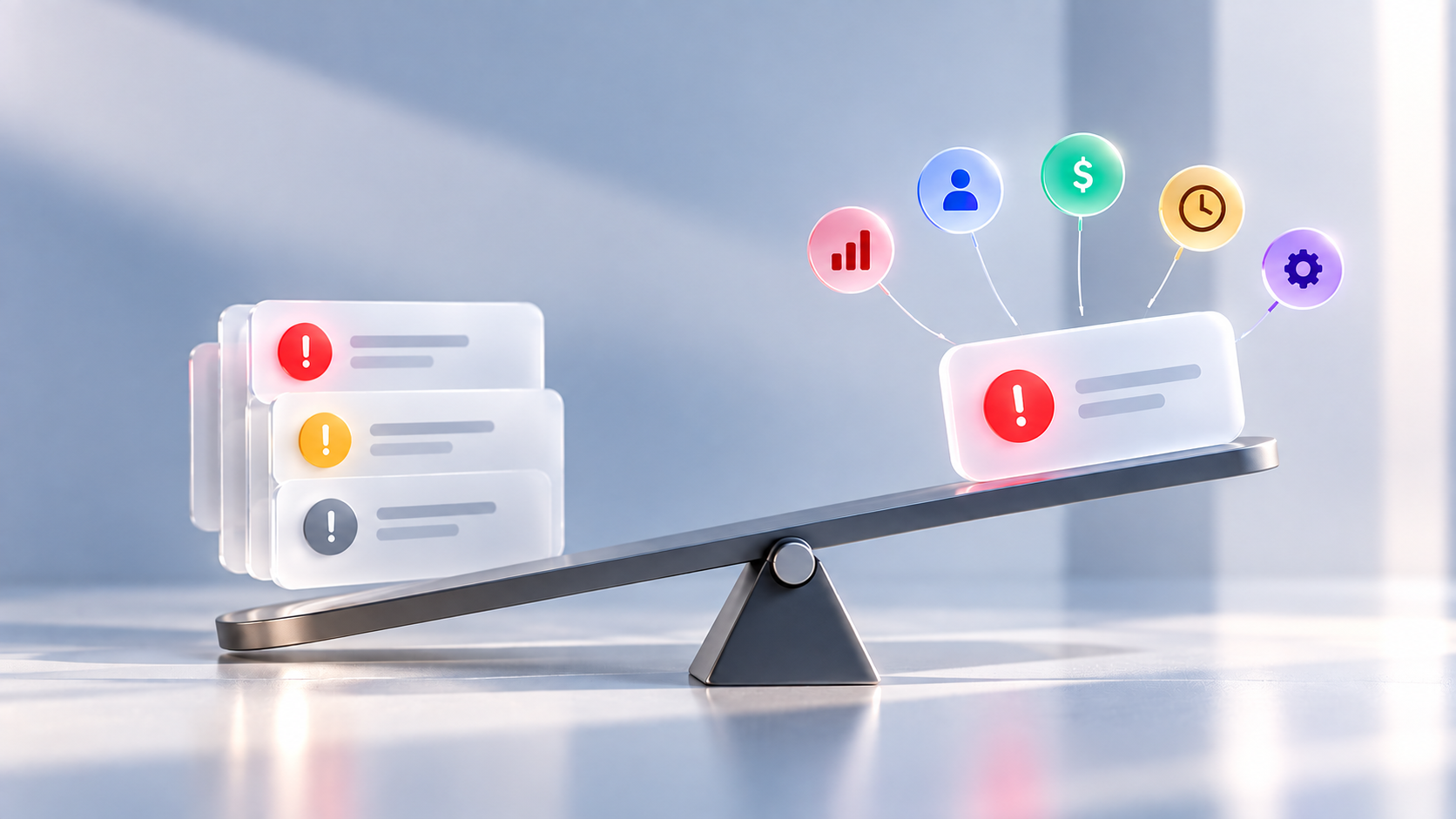
A common weakness of a generic UX audit checklist is that it can produce a large number of findings without helping the team decide what matters most.
Not every issue has the same impact.
A minor inconsistency in spacing may be worth fixing, but a confusing step in onboarding, checkout, or account setup may have much greater consequences.
Findings should therefore be assessed using factors such as severity, frequency, user impact, business impact, and implementation effort.
It is also important to look beyond symptoms.
Imagine users repeatedly abandon a form. The visible problem might appear to be the button or layout, but the underlying cause could be too many fields, unclear requirements, poor error handling, or uncertainty about what happens after submission.
Good auditing looks for that underlying problem.
The objective is not to fix more things.
It is to fix the right things first.
What Are the Benefits of a UX Audit?
A UX audit helps teams identify friction that may not be obvious from the interface alone.
It can reveal unnecessary steps, confusing interactions, unclear content, accessibility issues, and problems in critical user journeys. More importantly, it helps teams prioritize improvements based on user and business impact.
It can also reduce unnecessary development work. By understanding the underlying problem before designing a solution, teams can focus their resources on changes that address meaningful issues rather than simply adding or changing features.
When combined with analytics and behavioral data, a UX audit can also help connect experience problems with metrics such as conversion, drop-off, and engagement.
For growing digital products, this creates a clearer path from:
Problem → Evidence → Priority → Improvement
A UX audit does not automatically improve a metric. Its value is in helping the team understand the product well enough to make better decisions about what to improve.
How Much Does a UX Audit Cost?
There is no fixed price for a UX audit.
Cost depends mainly on the scope, product complexity, depth of analysis, and deliverables. Reviewing a single user flow is very different from auditing a large SaaS platform across multiple journeys, devices, and user types.
A focused audit may rely mainly on heuristic evaluation and UX review, while a deeper engagement can also include analytics, behavioral data, accessibility evaluation, competitor benchmarking, and user research.
This is why the more useful question is not simply:
“How much does a UX audit cost?”
It is:
“What level of audit does this product actually need?”
The right scope should be large enough to answer the important questions without adding unnecessary work.
At youx Studio, we conduct UX audits for websites and digital products, helping teams identify usability issues, understand where users experience friction, and prioritize meaningful improvements.